WhatsApp DM Screenshot Generator
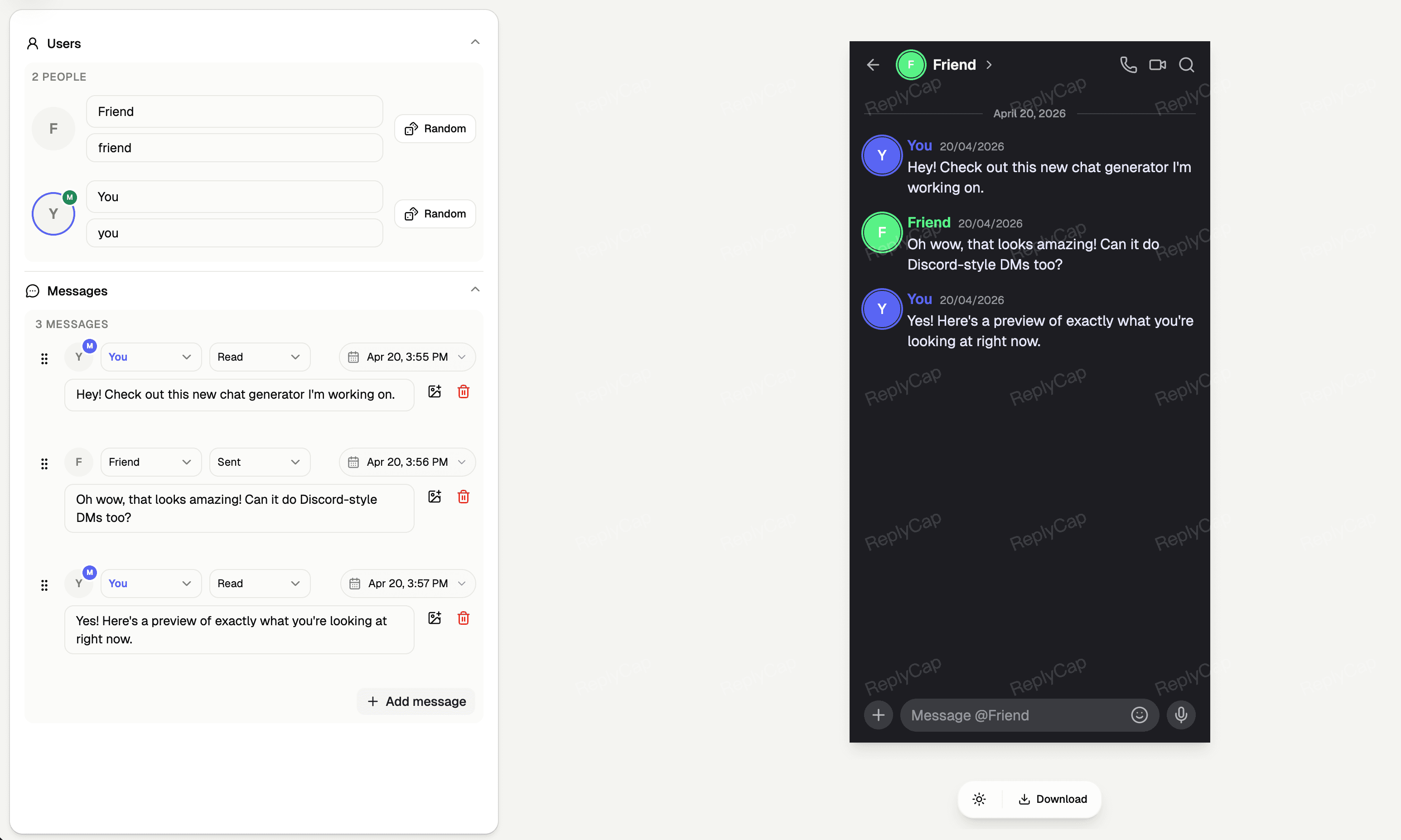
Quickly generate realistic WhatsApp chat screenshots. Supports custom avatars, nicknames, online status, message content, sending status, and time. Keep it simple, fast, and visual.
Features
All core features currently supported by the WhatsApp DM screenshot editor.
Chat Editing
- Customize sender and receiver details to simulate realistic conversation flows
- Support multiple messages with free switching between left and right (sent/received) positions
- Customize message status: Sending, Sent, Delivered, and Read (Blue ticks)
- Support for image messages to restore the authentic chat experience
Profile Settings
- Set the name and avatar for the contact, supporting custom image uploads
- Customize online status: Online, Typing..., or Last seen at...
- Perfectly restore WhatsApp's classic color scheme, font, and icon layout
Preview & Export
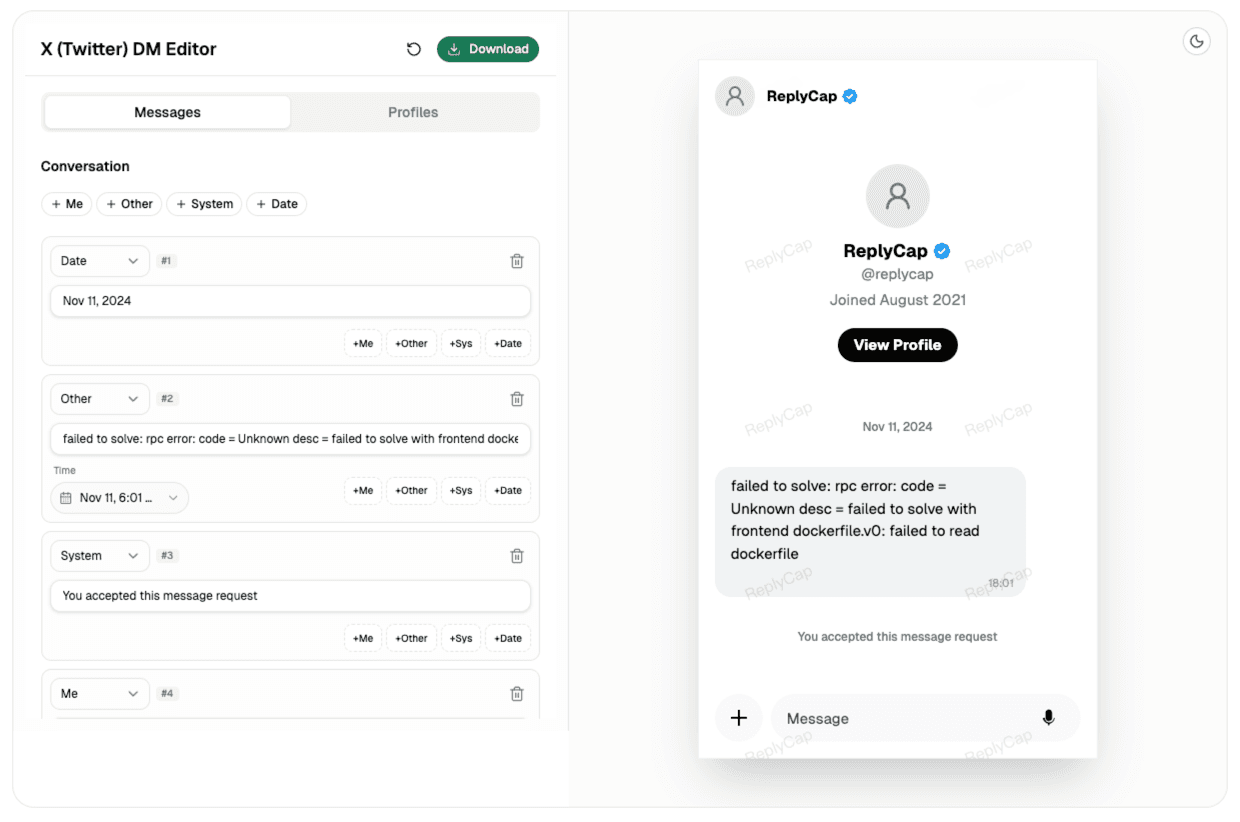
- Real-time preview of changes in the editor, what you see is what you get
- Support for downloading high-definition PNG images without background interference
- Optimized for mobile and desktop displays, suitable for sharing on various social platforms
Use Cases
The WhatsApp DM Generator helps you quickly produce materials in various scenarios.
Content Creation
Create interesting chat videos or image materials for your social media (such as TikTok, Instagram, Twitter, etc.).
Product Demos
Use realistic chat screenshots to simulate user interaction scenarios when showcasing your app or service.
Education & Tutorials
Create WhatsApp usage tutorials or use simulated screenshots as case studies in courses.
Account Layout
Create beautiful background images or pinned dynamic materials for your social media profile pages.
FAQ
Common questions and answers about the WhatsApp DM Generator.
Keep exploring
Try another editor from the collection.